Mortal Shell 2 Trainer: Demo Cheats, Install Steps & Risks
Mortal Shell 2 trainer downloads target the demo and Steam Open Beta with god mode, infinite resolve and one-hit kill. Learn install steps and risks.
A Mortal Shell 2 trainer is a community-made cheat tool that modifies the running game to give you advantages like invincibility, infinite resources, and super damage. The trainers collected so far are built for the Mortal Shell II Demo and the Steam Open Beta, not the full August 20, 2026 retail build. They are not official releases from Cold Symmetry or Playstack, so use them at your own risk and only on the supported game versions.

Where can you find a Mortal Shell 2 trainer?
The two documented sources are Nexus Mods and Fearless Revolution. Nexus Mods hosts a standalone demo trainer created by user omuruwi, uploaded on August 18, 2026, and currently at version 1. Fearless Revolution has a +23 cheat table posted by user Rhark on June 6, 2026, targeting the Steam Open Beta build.
Nexus lists the demo trainer under tags such as Gameplay, Cheating, Unbalanced, Utilities for Players, and Quality of Life. Fearless Revolution offers its table both as a standalone download and inside the Cheat Evolution app as “Mortal Shell II vOpen Beta PLUS 23 Trainer.” Both sources are third-party communities, so verify the file hash, read recent comments, and scan with your own antivirus before running anything.
What features does the demo trainer include?
The Nexus Mods trainer for the demo bundles a preconfigured UE4SS setup and exposes five main hotkey functions. God Mode [F1] makes the player invulnerable, Infinite Resolve [F2] removes the resource cost for skills and abilities, Auto Pickup [F3] collects nearby items automatically, One Hit Kill [F4] defeats enemies in a single blow, and Freeze Enemies [F5] stops enemy movement and attacks.
The Fearless Revolution table is broader, with 23 options including Activate Trainer, Godmode/No Hit, Unlimited Health, Unlimited Shell Health, Unlimited Resolve, Unlimited Poise, Super Damage, Super Player Speed, Slow AI, Super Movement Speed, Noclip, Save Coordinates, Teleport to Saved Coordinates, Player Speed Multiplier, AI Speed Multiplier, Movement Speed Multiplier, Gold Multiplier, Gloom Multiplier, Defense Multiplier, Damage Multiplier, and editable Player X/Y/Z coordinates.
How do you install the Nexus Mods trainer?
The Nexus Mods demo trainer installs by copying UE4SS files next to the game executable. First, extract the downloaded archive to any folder. Open Steam, find Mortal Shell II Demo in your Library, right-click it, choose Manage → Browse local files, then navigate to MortalShell2 → Binaries → Win64. Confirm that MortalShell2-Win64-Shipping.exe is inside that folder.
Next, copy everything from the trainer folder named “UE4SS - copy to Win64” into the Win64 directory. After copying, dwmapi.dll and the ue4ss folder should sit next to MortalShell2-Win64-Shipping.exe. Return to the trainer folder and run Run trainer.bat, then press Launch the game inside the trainer window. Avoid Alt+Tabbing while the game starts and loads into the world, because that can trigger a random crash. Once the playable world has fully loaded, you can Alt+Tab and use the trainer normally.
What are the risks of using a Mortal Shell 2 trainer?
Security is the first concern. The Nexus Mods file carries a “Some suspicious files” virus-scan label, which is a warning that at least one antivirus engine flagged part of the archive. That does not prove the trainer is malicious, but it does mean you should treat it as untrusted until you verify it yourself. Always download from the original mod page, read user reports, and run the file through additional malware scans.
Gameplay risks include corrupted saves, broken progression, and crashes. Trainers alter memory in real time, so saving while cheats are active can leave your character in an inconsistent state. Using trainers in online or anti-cheat-enabled environments can also lead to account penalties, although Mortal Shell 2 is currently a single-player-focused title. Finally, trainers written for a demo or beta build usually stop working after the game updates, so expect compatibility problems after patches or the full launch.
Do these trainers work in the full release?
The documented trainers were built for the demo and Steam Open Beta, not the final retail version released August 20, 2026. UE4SS-based tools and cheat tables are version-sensitive, so scripts targeting older executables will likely fail or crash the current game. Whether updated trainers appear for the full game depends on the modding community, and no release can be guaranteed.
If you want to use cheats after launch, check Nexus Mods, Fearless Revolution, and the Mortal Shell Discord for new releases that match the current patch number. Avoid forcing old files onto a new build, because mismatched DLLs and scripts can corrupt your installation or save data.
How can you check if a trainer download is safe?
Before running any executable, compare the file name and size with what the mod page lists. Look for recent endorsements, comments, and bug reports from other users. If several players report crashes but no one reports stolen accounts or malware, the file is more likely to be a legitimate cheat tool with compatibility issues rather than outright malicious software.
Run the archive through VirusTotal or your own antivirus scanner, and keep Windows Defender or a third-party security tool active while you install. Consider testing the trainer on a secondary Steam account or in a sandbox environment if you are unsure. Never run trainers that arrive from random links, Discord DMs, or reupload sites, because those are the most common distribution vectors for bundled malware.
What should you do if the trainer crashes?
Crashes usually happen because the trainer version does not match the game build, or because another overlay is interfering. First, confirm the trainer is labeled for your exact game version. Demo trainers will not work on the Open Beta, and Open Beta tables will not work on the full release. Next, disable Steam overlay, Discord overlay, MSI Afterburner, or any other injection tool that might conflict with UE4SS.
If the game crashes during launch, delete the copied dwmapi.dll and ue4ss folder from the Win64 directory to restore the demo to its original state. You can also verify the game files through Steam to repair any files the trainer may have changed. If the crash happens after loading into the world, avoid Alt+Tabbing during startup and make sure you launched the game from the trainer rather than directly from Steam.
Are there alternatives to a trainer?
Mortal Shell 2 includes in-game systems that reduce the need for cheats. The Slayer Seal replaces parry with a charge strike that heals and restores Resolve on riposte, making combat noticeably easier. Skill points can be refunded at any time without penalty, so you can experiment with builds freely. The game also offers multiple difficulty and accessibility options that let you adjust the challenge without external tools.
If you are stuck on a boss or dungeon, community guides and weapon build videos are available on YouTube. These walk through shell choices, Tarstone combinations, and weapon locations without modifying game files. For many players, these legitimate options provide enough help to progress safely.
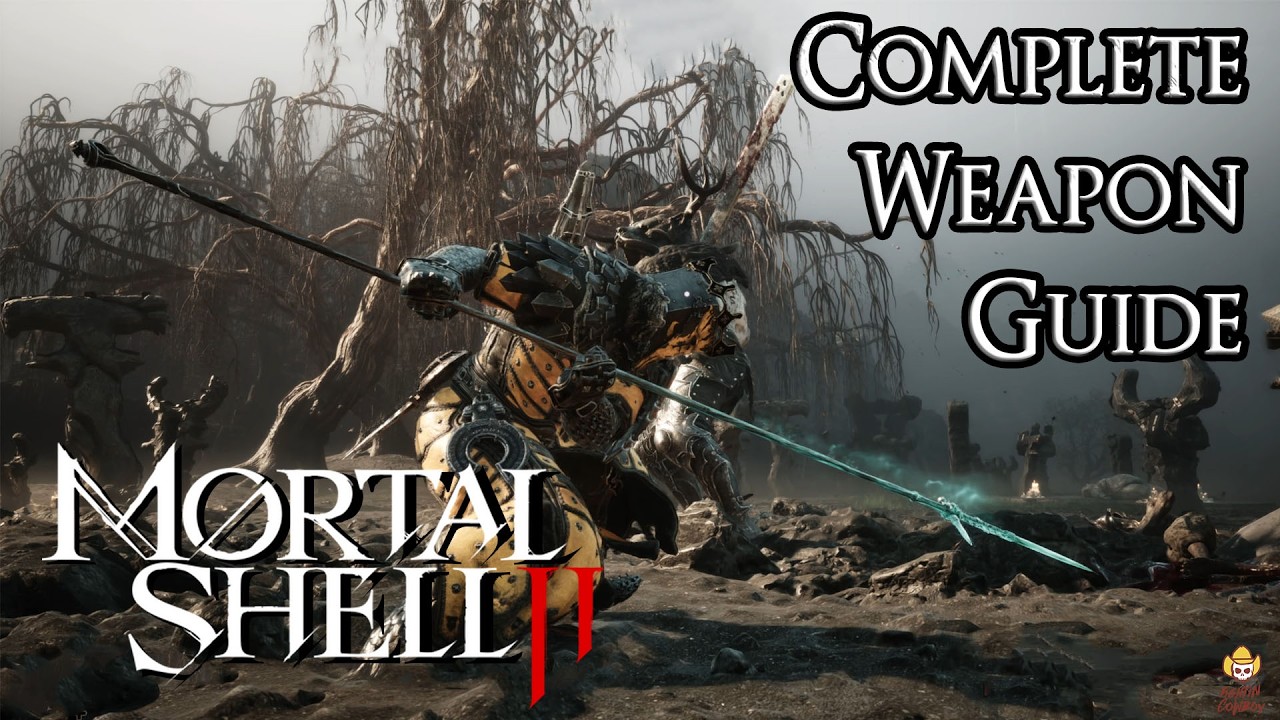
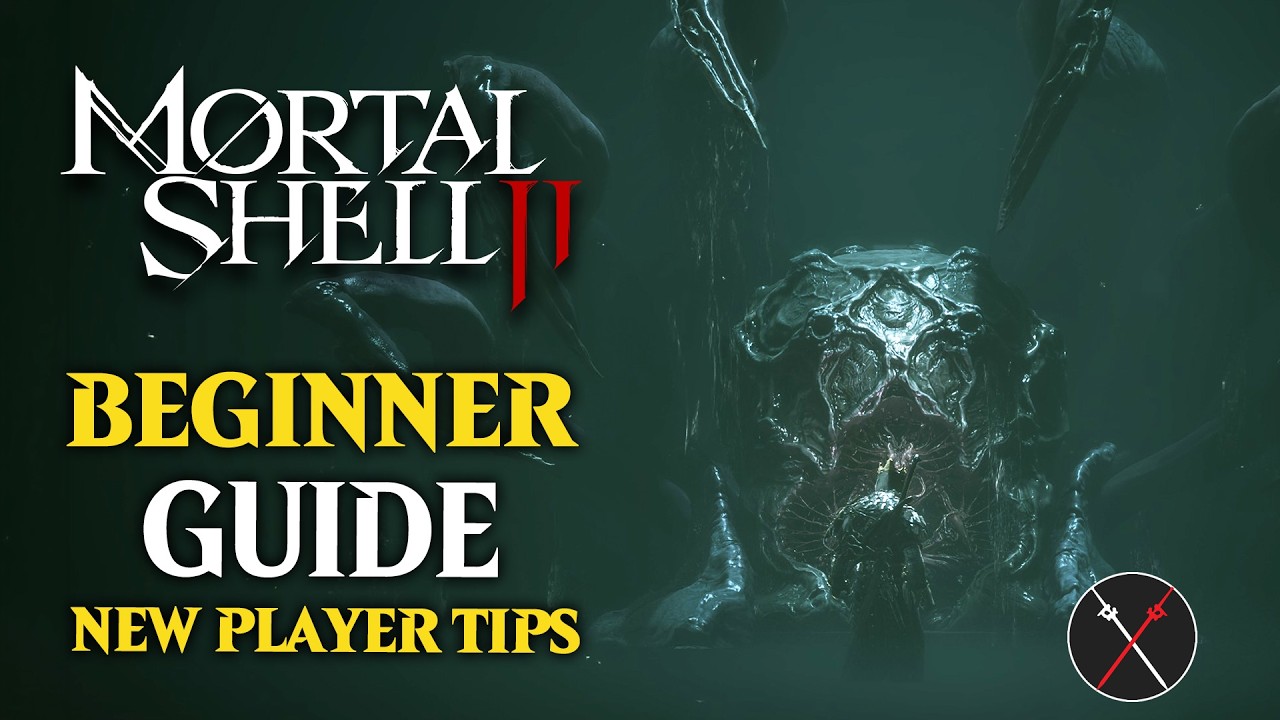
Watch: Mortal Shell 2 Guides Instead of a Trainer
If you are tempted by a trainer just because a boss is blocking your progress, these videos may remove the need for cheats entirely. The weapon guide covers every melee weapon’s movesets, infusions, and locations, while the beginner guide explains how to get strong fast through legitimate upgrades and builds.

Mortal Shell 2 - Complete Weapon Guide: Movesets, Infusions & Locations

Mortal Shell 2 Beginner Guide - How to Get OP Fast
TL;DR
- Availability: Trainers exist for the Mortal Shell II Demo and Steam Open Beta, not confirmed for the full release.
- Sources: Nexus Mods (omuruwi demo trainer) and Fearless Revolution (+23 Steam Open Beta table by Rhark).
- Key features: God mode, infinite resolve, one-hit kill, freeze enemies, speed multipliers, teleport, and coordinate editing.
- Install: Copy UE4SS files into MortalShell2\Binaries\Win64 next to the executable, then run “Run trainer.bat” and launch from the trainer.
- Risks: Antivirus flags, crashes, save corruption, and version incompatibility after game updates.
- Alternatives: Slayer Seal, respec-able skill points, difficulty options, and community guides.
Gallery
Related Articles
Was this helpful?
Thanks for the feedback!